Email Spam Score Checker
Paste your email HTML and get a spam score from 39 content checks and a trained spam classifier.
Paste your email HTML and click Analyze
Running 39 checks...
 SpamCipher
What the spam score checks
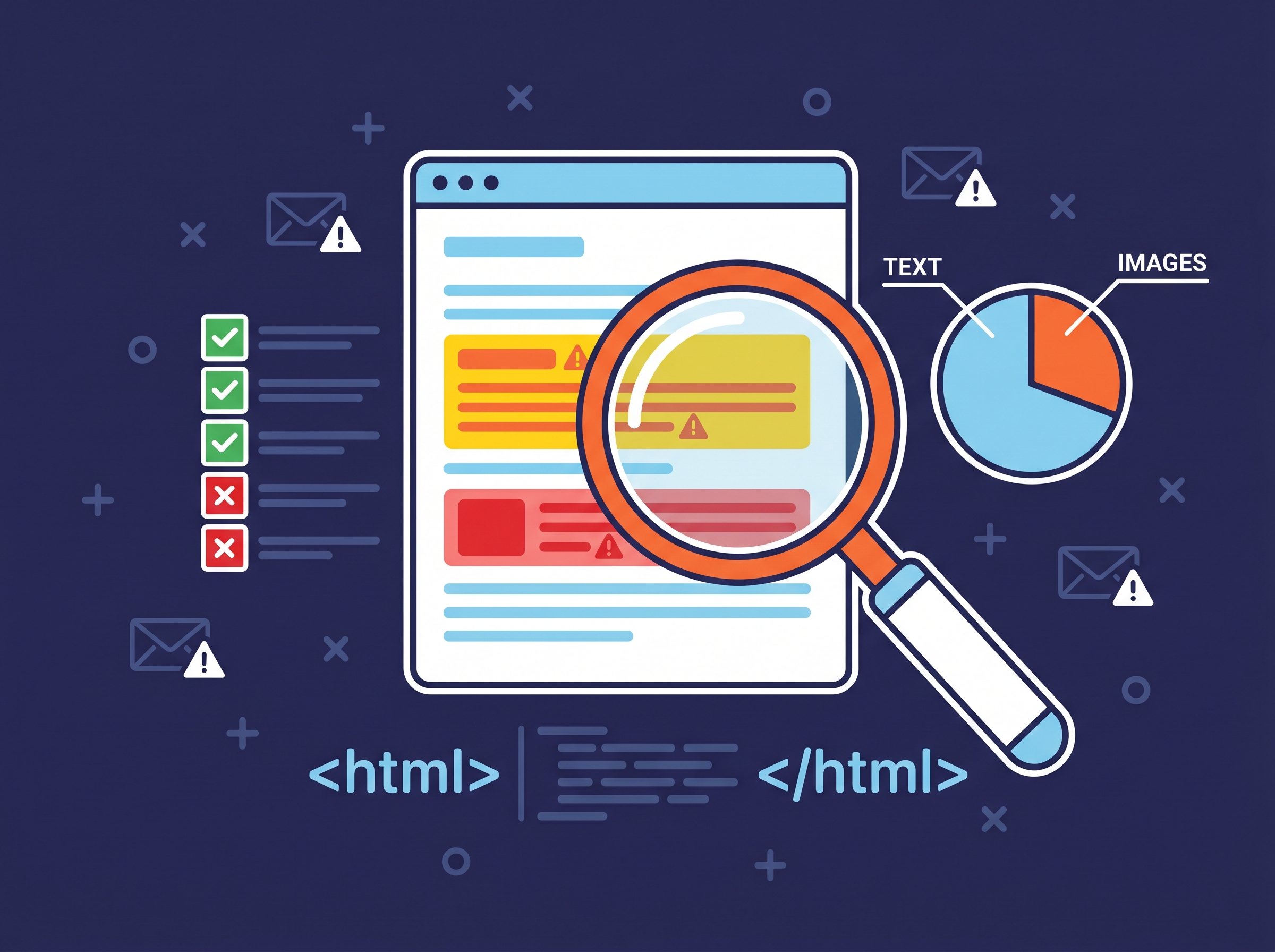
The checker reads your email the way the content rules inside a spam filter do. It runs 39 checks in four groups, looks for 82 trigger phrases in five families (money, urgency, offers that sound too good, medical claims and deceptive wording), and asks a trained spam classifier how likely filters are to read the message as spam.
- Subject line, 9 checks. All capitals, heavy punctuation, urgency or money language, promises that sound too good, a fake "Re:" or "Fwd:", too many emoji, a subject that is too long, or none at all.
- Body, 16 checks. A high share of capitals, trigger phrases, hidden, tiny or invisible text, too many links, link text that does not match its address, URL shorteners, no unsubscribe link, image-only or image-heavy layouts, forms that post elsewhere, scripts, iframes and an empty body.
- HTML, 9 checks. Too many tags for the text, a missing doctype or language, deep nesting, broken structure, oversized HTML, heavy inline styles, images embedded as base64 and meta refresh redirects.
- Good signs, 5 checks. An unsubscribe link, a physical address, a plain-text version, well-formed HTML and personalization. Each one lowers the score.
How to read the score
Each problem found adds to the score and each good sign takes away from it, so lower is better.
| Score | Verdict | What to do |
|---|---|---|
| Under 2.1 | Clean | The content is unlikely to be the problem. |
| 2.1 to 5 | Needs attention | Fix the warnings, then check again. |
| 5 to 8 | High risk | Do not send until the critical issues are gone. |
| 8 and above | Critical | Filters are likely to reject or junk this message. |
What a content score cannot tell you
Content is one signal. Gmail, Outlook and Yahoo also weigh the sending domain's reputation, its authentication (SPF, DKIM and DMARC), how recipients engage with your mail and how many mark it as spam. A clean score from a domain with no DMARC record, or one that recipients keep reporting, can still land in spam.
So check the domain as well: domain health check for authentication, blacklist checker for listings, and an inbox placement test to see where a real send lands at Gmail and Outlook.
Fixes for the most common findings
- Image-only email. Put the message in text and keep images as support. Filters cannot read an image, and many recipients never load them.
- URL shorteners. Link to your own domain. Shorteners are shared with spammers and hide where a link goes.
- No unsubscribe link. Add one. Gmail and Yahoo expect bulk senders to offer a one-click unsubscribe.
- Mismatched links. When link text shows an address, it should be the address the link opens.
- Urgency and money words in the subject. Say what the email is about in plain words instead.
Frequently asked questions
What is a good spam score?
Under 2.1 reads as clean. From 2.1 the checker lists what to fix, and from 5 it treats the email as high risk.
Is the spam score checker free?
Yes. You can run 5 scans a day without an account.
Do you keep my email?
We keep the results so you can share or reopen the report, not your email's content.
Does a clean score mean my email reaches the inbox?
No. It means the content is unlikely to be the problem. Reputation, authentication and engagement decide the rest, which is why an inbox placement test sends to real mailboxes.
SpamCipher is an AI-powered sales engagement platform, B2B lead intelligence database, and email deliverability and security suite in one product. The same checks run inside it on every campaign step, next to placement tests and sending protection. See spam content check.